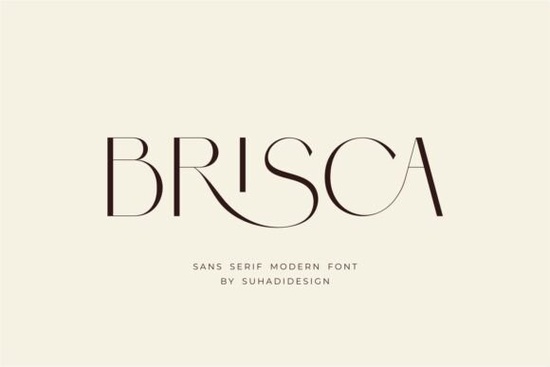
When you need a clean, contemporary look that does not rely on heavy decoration, a well-cut sans serif often solves layout problems faster than any trendy display style. Brisca Font steps into this space by balancing sharp geometric lines with soft curves. It reads clearly at small sizes, holds up in large headlines, and includes built-in ligatures that keep connected letterforms from colliding. Hobbyists, print-on-demand sellers, and small business owners turn to this typeface because it adapts quickly across branding packages, product tags, and digital layouts without needing heavy post-processing.
Why do creators prefer this typeface for modern branding?
Clean typography builds trust, especially in beauty, cosmetics, and lifestyle markets. Customers expect a polished look, but they also want something approachable. A versatile sans serif handles both needs by staying neutral enough to let your colors and packaging materials take center stage. You can adjust tracking to tighten logos or add breathing room to business card text. If you are comparing this option with a slightly more editorial alternative, you will notice how this particular design leans toward everyday readability while keeping enough personality for wordmarks.
The ligature feature prevents awkward overlaps in common letter pairs. When designing magazine spreads or newspaper mastheads, those automatic substitutions save you from manual kerning fixes and keep your layout grid intact. This technical attention matters when you scale a logo from a social media avatar to a storefront banner. For a broader range of projects, exploring another bold geometric option can help you decide which weight class matches your specific brand voice.
How should you adjust spacing and sizing for print versus web?
Screen resolution and paper texture react differently to stroke weight. On a digital canvas, lighter weights often render cleanly, but you should step up to medium or bold weights for printed labels and stationery. Start with a baseline size around ten to twelve points for body copy, then test sixteen to twenty-four points for subheadings. Keep line height between one point four and one point six to prevent visual crowding.
- Logos: Use title case with slightly increased letter spacing for a premium feel.
- Publications: Pair regular weight with italics for pull quotes to create subtle hierarchy.
- Packaging: Test a printed proof at full scale to check how fine details survive different paper stocks.
Always export final artwork at three hundred DPI for print, and keep web assets as optimized SVGs to avoid compression artifacts around thin strokes. If your workflow requires this specific clean typeface, verify that your design software correctly handles the OpenType features before finalizing your files.
What licensing details should you verify before commercial use?
Font licensing dictates installation limits, PDF embedding, and merchandising rights. Many creators overlook the difference between personal desktop licenses and commercial print agreements. Check the file package for OTF and TTF formats, which cover most professional software, and confirm whether the terms cover physical products. If you sell custom templates, always verify licensing terms to ensure your agreement allows closed client deliverables rather than direct file redistribution.
To stay aligned with current typography standards, review official documentation or visit Brisca Font for the latest technical notes. Proper licensing protects your business and ensures your clients receive compliant artwork.
How do you test readability before sending files to production?
A typeface can look perfect on a monitor but fall apart on a thermal printer. Convert a test paragraph to outlines, scale it to the smallest intended size, and check for disappearing strokes or tight counters closing up. Print a small draft and view it under different lighting. Taking twenty minutes to verify spacing saves hours of reprint costs.
- Confirm your license covers your exact product type.
- Adjust tracking for all-caps headlines to improve rhythm.
- Enable OpenType ligatures in your layout software.
- Export print files at three hundred DPI minimum.
- Archive original vector files with fonts outlined for future edits.
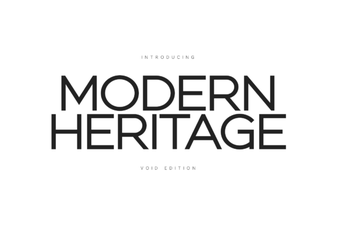 Modern Heritage Fonts for Creative Design Projects
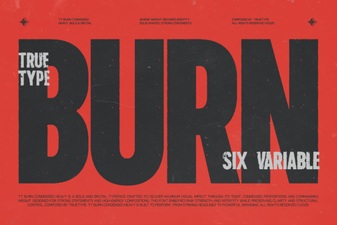 Trt Burn Font: Creative Design Ideas and Uses
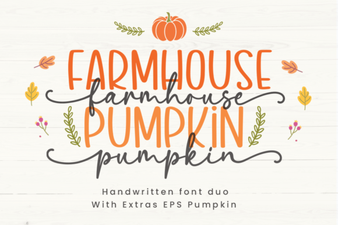 Farmhouse Pumpkin Font Ideas for Your Projects
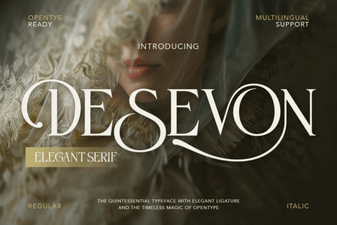 Desevon: a Bold Font for Creative Projects
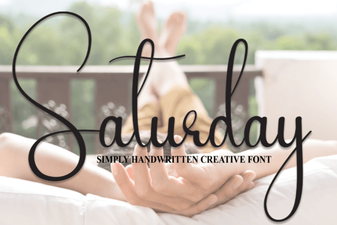 Saturday Fonts for Creative Design Projects
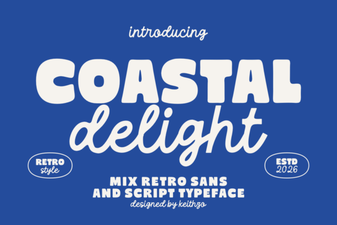 Coastal Delight Font: Design Tips & Download Guide